¶ Troubleshooting
If the troubleshooting steps below do not resolve your issue, please ask for assistance from our admin team in the Forager Help Discord channel so we can help get you up and running. Use @Minecraft Admin in the #forager-help text channel to ping an admin.
¶ Kicked whilst connection to build: You must have the Builders roll to join the server
This indicates you do not have the proper role on the Discord server. If you have followed the Discord Setup instructions and have requested the Builders roll, please wait patiently for an admin to fulfill the request and grant the role.
If an admin granted you the Builders roll and you still have the issue, ask for help in the Forager Help Discord channel.
¶ I cannot connect to the server and I'm not running Java or Windows Edition
If you are not running an edition which has a tutorial above, that is because it has not been tested with our server (I'm too poor to afford every console). In that case, please let us know in the Forager Help Discord channel so we can work through the issues together.
¶ I don't know of such a code, try again
If the Discord bot responded with this message, press OK to return to the Minecraft server menu and try again with a new code.
If the issue persists, ask for help in the Forager Help Discord channel.
¶ You cannot join cross-platform games without both a Microsoft and...
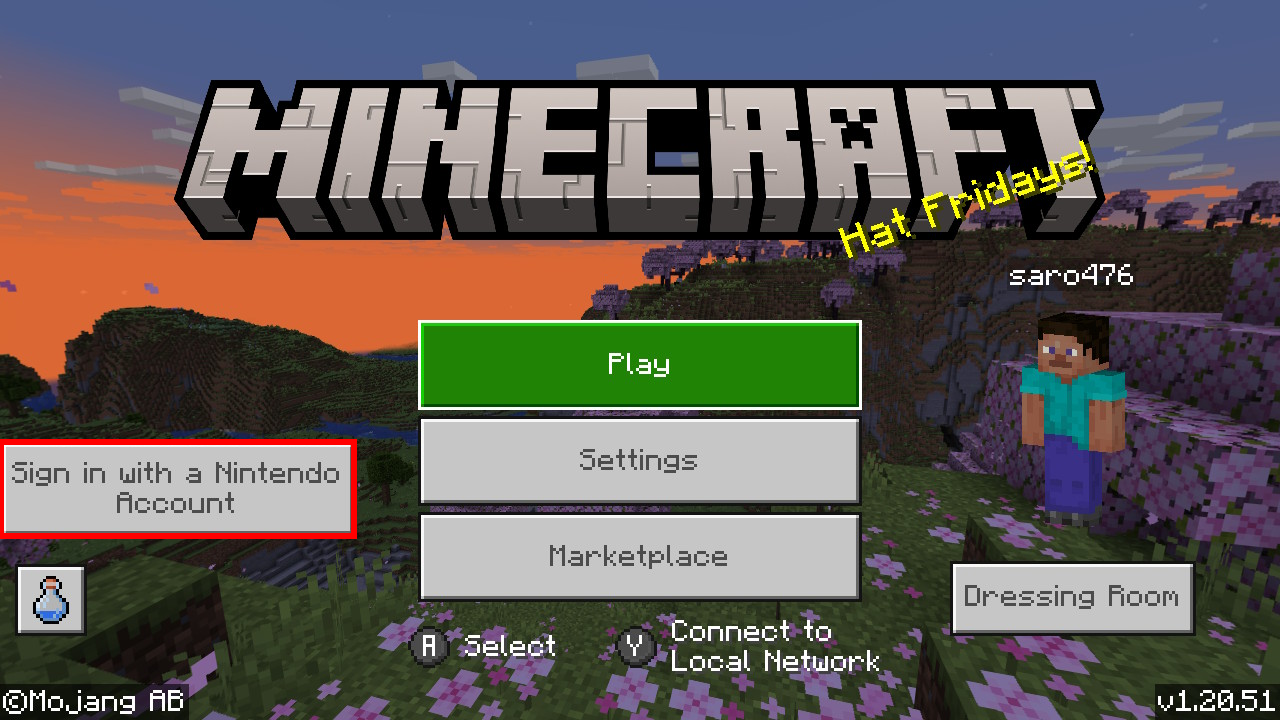
If you receive this error, it means that Minecraft is not signed into Nintendo Online and/or Microsoft.
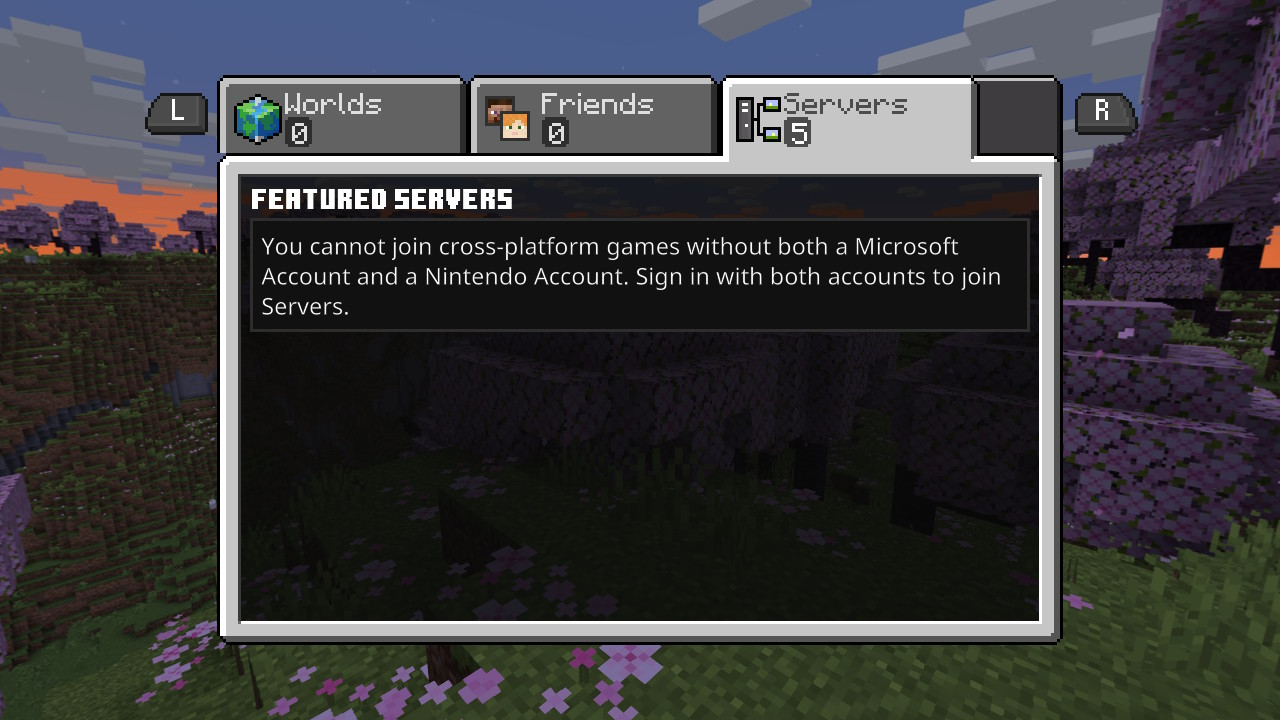
To resolve this issue, go back to the Minecraft home page and sign into your account(s)